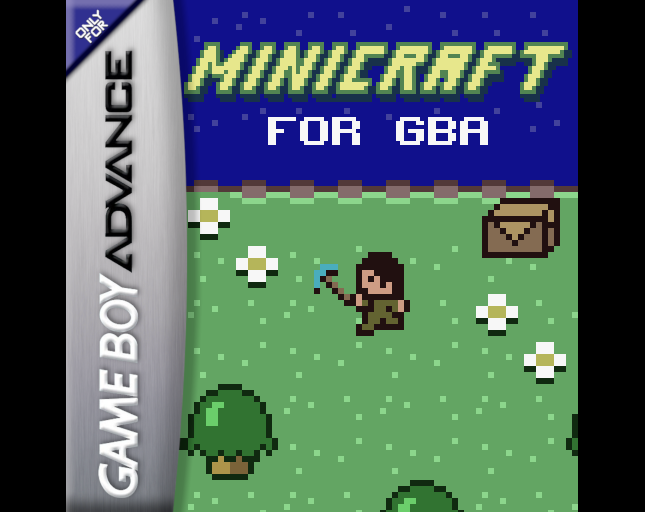
A careful GBA demake of Notch’s Ludum Dare survival classic. Dig, craft and explore on the go — a great first click if you want to see how well homebrew can feel on real handheld hardware.
View & play →
or click to select file
Supported: GBA, GB, GBC, NES, SNES, N64, NDS, Genesis, PS1, Arcade
Cloud import downloads the ROM into your browser only — nothing is uploaded to our servers. Use files you have the right to play.
This is a browser-based emulator that lets you run your own legally obtained game backups (GBA, GB, GBC, NES, SNES, N64, NDS, Genesis, PS1, Arcade) directly in your browser. No downloads required.
Hand-picked free and open homebrew you can try in the browser. Short notes from our site — each game still belongs to its author; please support them on their original page.
A careful GBA demake of Notch’s Ludum Dare survival classic. Dig, craft and explore on the go — a great first click if you want to see how well homebrew can feel on real handheld hardware.
View & play →
A Game Boy tile-matcher that unfolds into turn-based duels. Match tiles to attack, guard or heal against eight opponents — short sessions, clear rules, and a charming 8-bit battle twist.
View & play →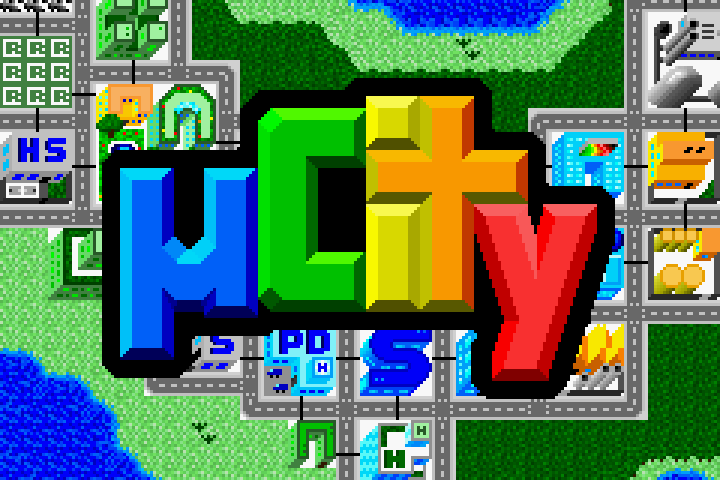
An open-source city builder remade for the Game Boy Advance. Zone land, manage growth and watch a tiny metropolis take shape — proof that deep sim games still belong on handhelds.
View & play →.png)
A polished NES platformer from Ludosity, set a thousand years before Ittle Dew. Tight jumps, forest stages and a quest for revenge against the Turnip Witch — classic 8-bit action with modern craft.
View & play →
A respectful NES demake of The Witness: wander a mysterious island and solve line puzzles. Compact, clever, and a nice way to taste the original’s puzzle language in browser.
View & play →
A puzzle adventure where you guide animals to the food they want. Gentle difficulty curve, satisfying “aha” moments, and a great showcase of modern Game Boy homebrew design.
View & play →A GBA emulator is software that replicates the hardware of the Game Boy Advance, allowing users to run their own legally obtained game backups on modern devices such as PCs, smartphones, and tablets. This site also supports GB, GBC, NES, SNES, N64, NDS, Genesis, PS1, and Arcade.
Browser-based multi-system emulator (GBA, NES, SNES, N64, and more)
No installation required
Save states support
Keyboard and touch controls
Fast-forward and speed control
Works on desktop and mobile browsers
Windows / macOS / Linux
Android phones and tablets
iPhone & iPad (Safari supported)
Chromebook
Use this emulator only with game backups you legally own or are allowed to use. gba-emulator.com does not provide commercial ROM downloads. Our featured library is limited to free or open-source homebrew credited to their authors. ROM files you open from your device stay in your browser and are not uploaded to our servers.
A: Emulator software itself is legal in most countries. You are responsible for only loading games you legally own or have the right to use. The titles we feature on this site are free or open-source homebrew shared by their authors.
A: No. The emulator runs entirely in your browser using WebAssembly. Open the site, drop a ROM file or click a featured homebrew game, and play.
A: In-game battery saves may still use this browser’s local storage / IndexedDB on your device — not our servers. When you click Save State you can download the file or export it to your own Dropbox or Google Drive. Clearing site data, private/incognito mode, or switching browsers can erase browser-stored battery saves.
A: Yes. Modern Safari, Chrome and Firefox on phones and tablets are supported. Use on-screen touch controls or connect a Bluetooth gamepad. For the best experience, keep the browser updated and allow storage for this site.
A: Yes. Most USB and Bluetooth controllers that your browser recognizes will work. Open the emulator’s Controls menu to map buttons. Keyboard defaults are also listed on this page after a game starts.
A: Check that the file extension matches a supported system (for example .gba, .gb, .gbc, .nes). The file may be corrupted, compressed in an unsupported way, or the wrong core. Try another browser, disable strict tracking blockers for this site, and make sure you have enough free memory.
A: No. Games listed under Play Directly and Featured Homebrew are titles their authors distribute for free, under a name-your-price model, or as open source. Each game page credits the author and links to the original source when available. We do not host Nintendo or other commercial ROMs.
A: No. Files you open from your device are read locally in the browser and never uploaded to gba-emulator.com. See our Privacy Policy for details.
A: A browser emulator needs no install, works on locked-down devices (school Chromebooks, work PCs, phones), and is ideal for quick sessions. Desktop apps may offer more advanced options; we focus on convenience and discovering legal homebrew in one place.